
Can you trust your dashboard?
Start with the meaning of the numbers, not the chart.
Write the decision before choosing the chart
A dashboard earns its place when it helps somebody decide what to do. Start with a concrete question: which enquiries need a response, which appointments need attention, or which invoices need checking? Name the person making that decision and how often they need an update.
Then define each number in plain language. Does an enquiry mean a form submitted, a message received or a person qualified by a staff member? Does an appointment count when it is requested, approved or completed? Different definitions can make identical charts disagree.
Trace the figure back to a source
For each measure, record the source, the responsible owner, the update interval and the treatment of missing values. Avoid silently turning an unavailable value into zero. A timestamp helps the reader distinguish a current view from yesterday’s snapshot.
Preserve the distinction between a stored record and an inferred outcome. Reserva’s customer flow, for example, distinguishes a confirmed booking state from payment. A dashboard that labels every approved booking “paid” would be wrong even if its arithmetic were perfect.
Check a small sample end to end
Before adding more charts, choose a few example records and follow them from the original entry to the displayed total. Include a duplicate, a cancelled item and an incomplete record if those states can occur. Agree how corrections will appear after the source changes.
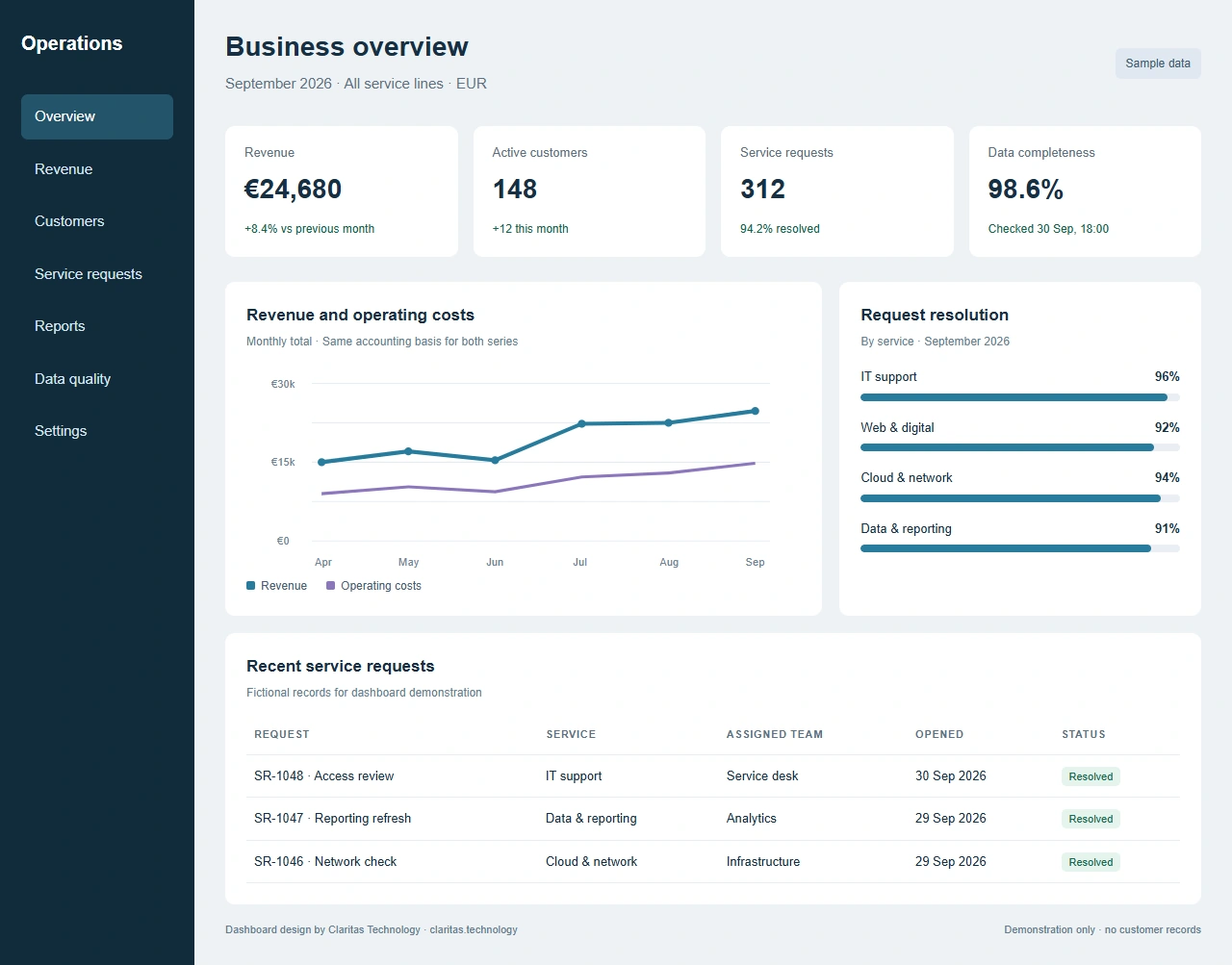
Separate your demonstration dataset from real operational records. A screenshot with synthetic names can explain the interface; it cannot establish that a production integration is accurate. Review who is allowed to see each field before exporting or sharing a view.
Turn the findings into a usable brief
A useful data brief names the decision, definitions, sources, access boundaries and checks that would demonstrate the result is reliable. It can also state which measures are not ready because the source is incomplete. That makes later implementation more focused.
Data and Analytics is one of Claritas Technology’s service areas. Claritas can help define measures, review source quality and plan analysis before choosing the dashboard. The first useful deliverable may be a clearer source definition rather than another chart.