
Plan a website around one useful visitor action
Make the next step clear before adding more pages.
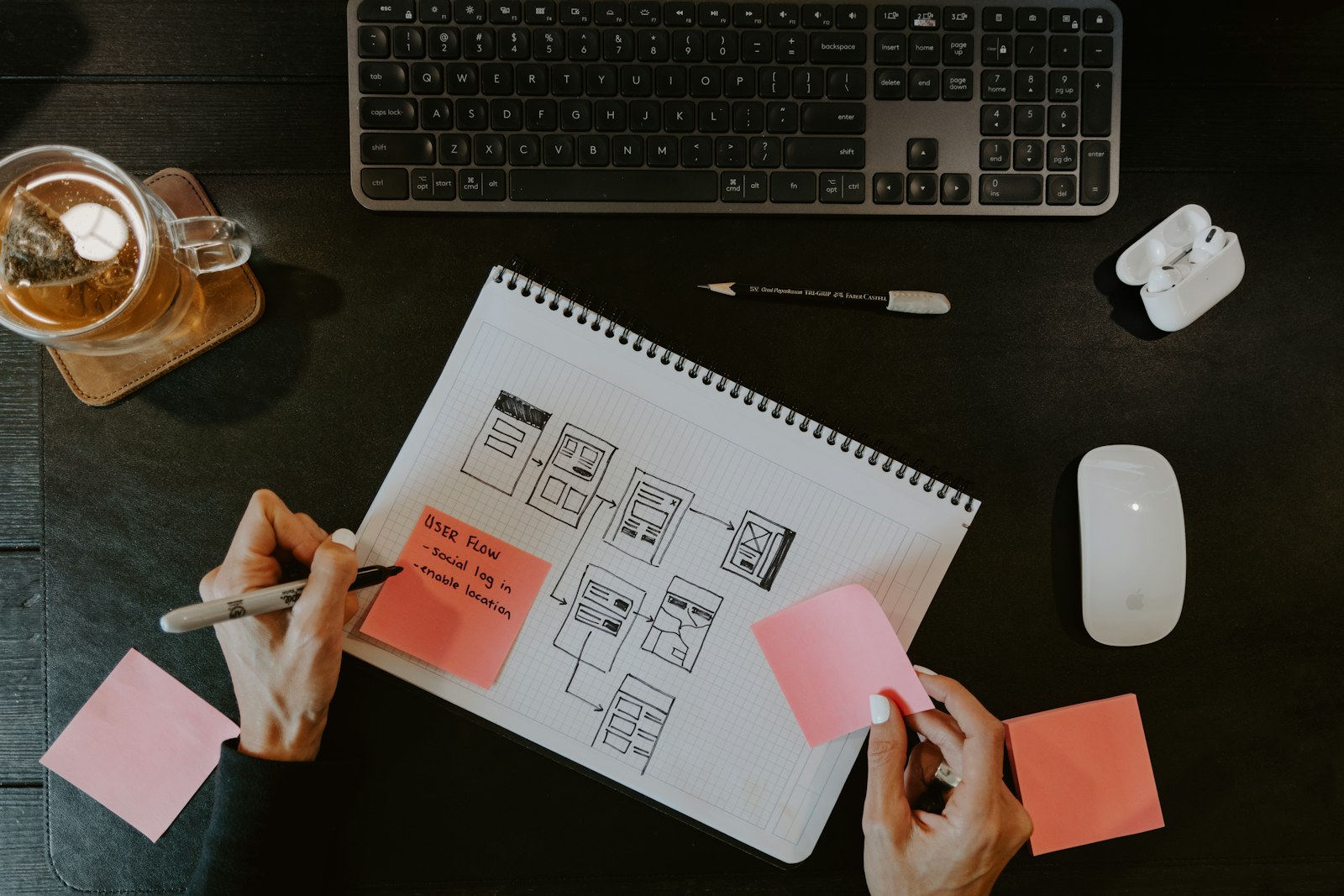
Start with one visitor task
A website brief often begins with a list of pages: Home, About, Services and Contact. Those pages are useful only when they help somebody make a decision. Before choosing a layout, write down who is visiting, what they need to understand and the next action you want to make easy.
For a service business, the first task might be checking whether you serve their location and requesting a quotation. For an appointment business, it might be choosing an available service and time. Those are different paths and need different information. A polished contact form does not replace a working booking system.
Separate the first release from later ideas
Write three lists: essential for the first visit, essential for the next action, and useful later. Put real service descriptions, contact destinations and accurate availability in the first two. Keep speculative features out of the launch promise until they have been built and checked.
A short brief can name the audience, the main question, the desired action, the information you already have and the person responsible for updating it. This also helps a developer distinguish a content problem from a software requirement. “Visitors cannot find our opening hours” and “staff need to manage appointments” need different solutions.
Make the next step understandable
Use a visible label for each field and explain unfamiliar requirements beside it. Ask only for the details needed to respond. After submission, tell the visitor whether the request was accepted and what happens next; an attractive success screen is misleading if nothing was delivered.
The W3C forms tutorial covers labels, instructions, validation and completion messages. These are useful checks for a quotation form as well as a booking journey. They do not establish that any particular website meets every accessibility requirement.
Plan the handover before launch
Decide who owns the domain, hosting, content and access recovery. Record which forms send where, which links open external services and which pages need regular review. Test the whole path with non-sensitive example data, including failure and mobile states.
Claritas Technology’s Digital Solutions work includes websites, mobile applications and business platforms. The appropriate starting point is the actual operating need, not a promise to install every possible feature. Use the Knowledge Base for product instructions; use a project brief to agree what a new service should deliver.